League
Host or join leagues with ease. Create a group and compete with friends, even from afar.
If you have not yet installed it, click here.


How to Create a Group
1.
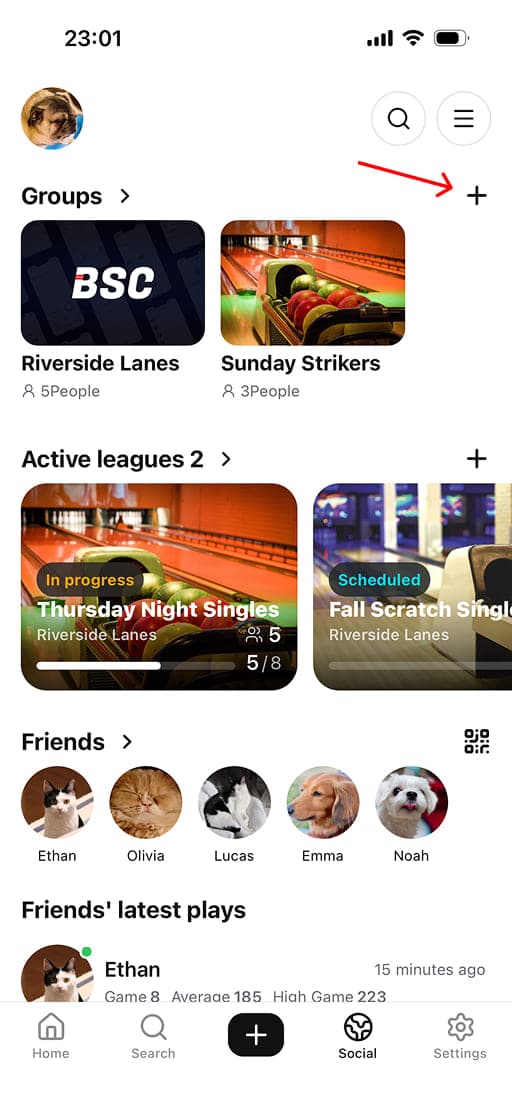
Tap the '+' button next to 'Groups' on the Social tab.
2.
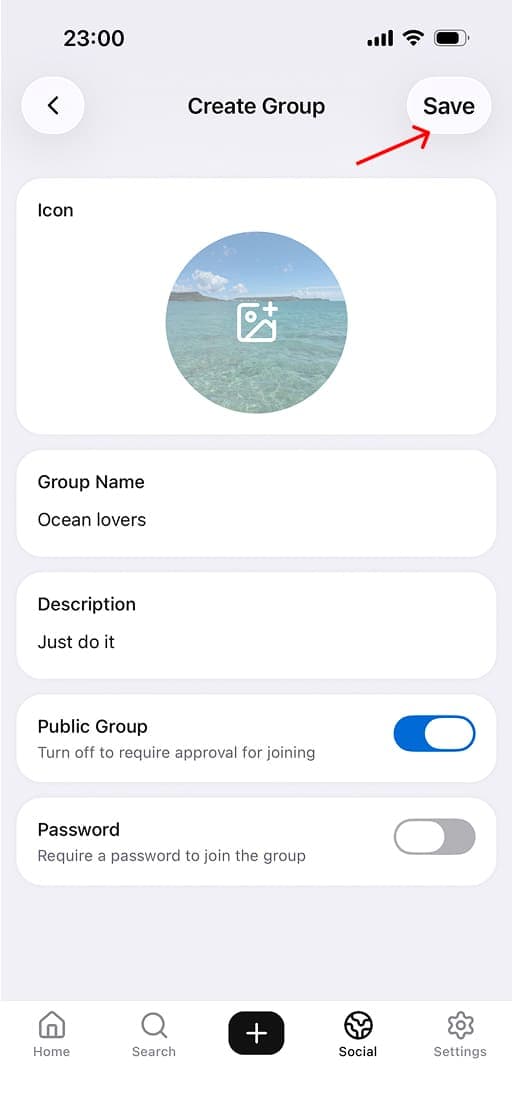
Enter an icon, group name, and description, then tap 'Save' to create the group. Share it with friends and teammates so they can join!
How to Host a League
1.
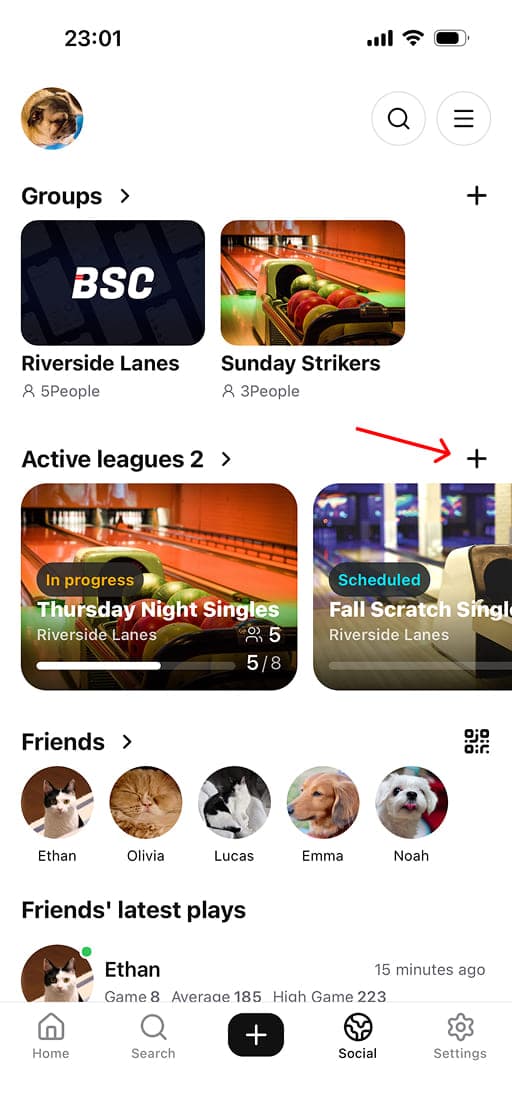
Tap the '+' button next to 'Active leagues' on the Social tab.
2.
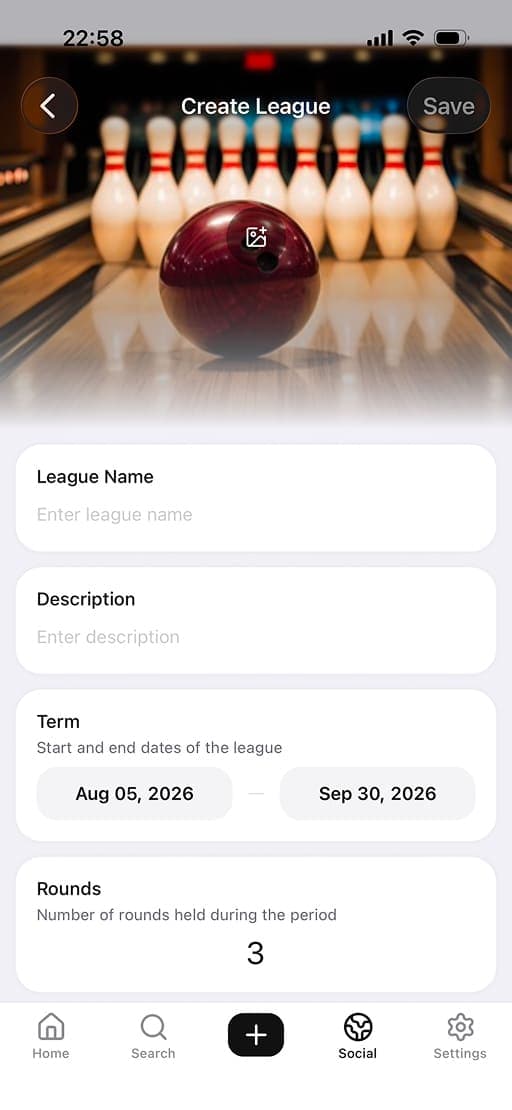
Enter the league name, description, term, number of rounds, and other details.
3.
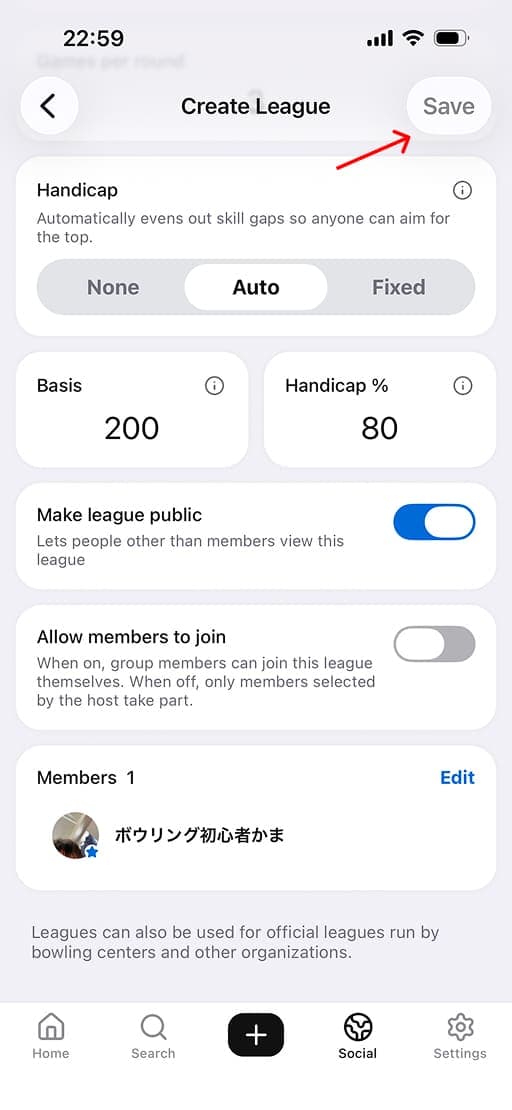
Check the handicap and visibility settings, then tap 'Save' to host the league.